
7 Steps in a Booking Software Implementation Guide
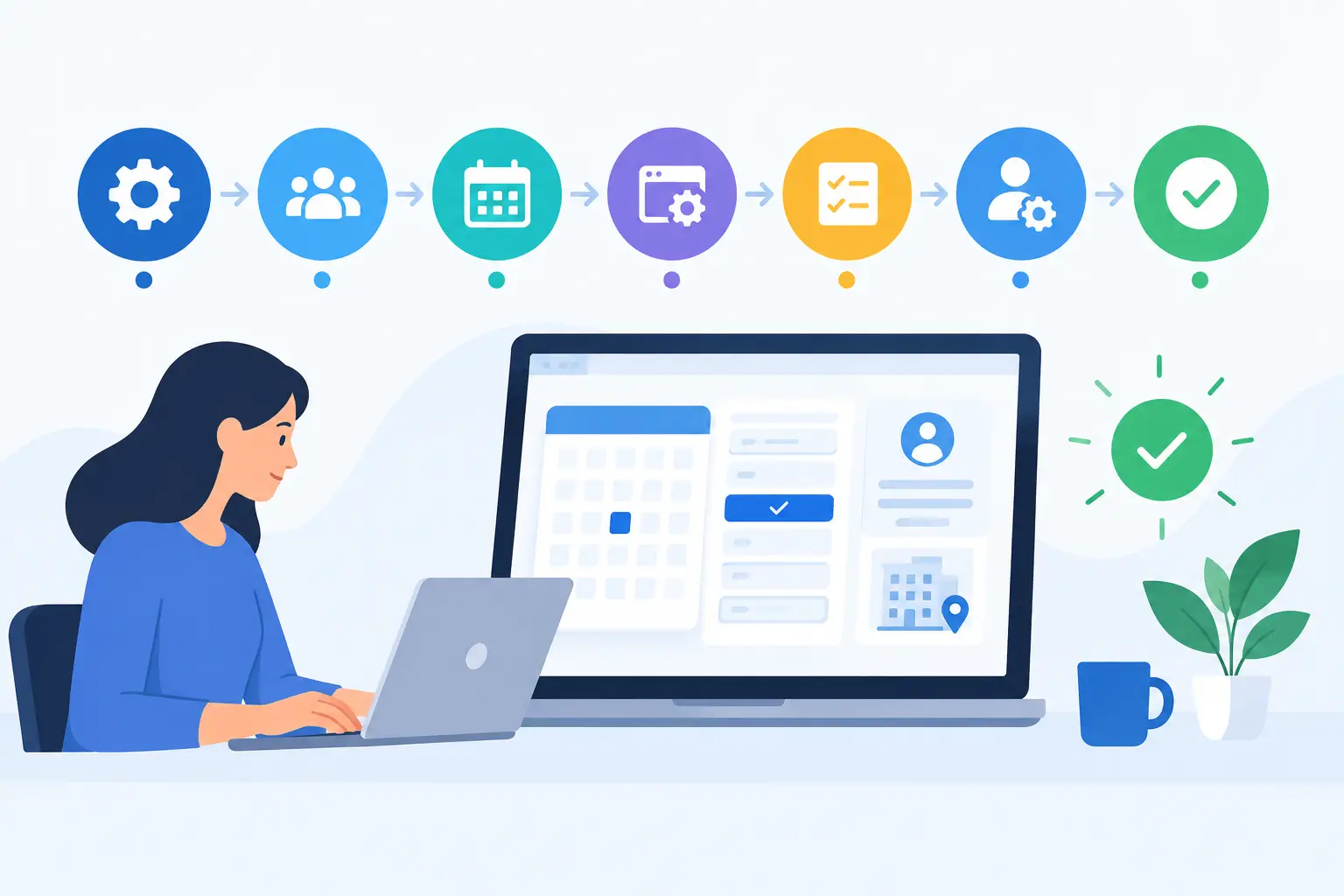
A new booking system should not create a week of front-desk confusion, missing client notes, and staff asking where their calendars went. For a salon, spa, clinic, or wellness business, a booking software implementation guide is really an operating plan: it determines how clients book, how your team manages capacity, and how reliably you can follow up after every visit.
The goal is not simply to switch calendars. It is to replace disconnected tasks with one clear workflow for appointments, client records, staff schedules, payments, campaigns, and reporting. A thoughtful setup takes more effort before launch, but it prevents the small workarounds that quietly cost revenue later.
Start with operating goals, not software settings
Before importing a single client record, define what needs to improve. A business with frequent no-shows may prioritize deposits and automated reminders. A growing beauty studio may need cleaner staff availability and commission reporting. A clinic with repeat care plans may care most about detailed client history and rebooking.
Choose two or three outcomes you can measure. Common examples include fewer missed appointments, more online bookings, a higher rebooking rate, or less time spent reconciling calendars and payments. These priorities help you make smart configuration decisions when the platform offers several ways to do the same thing.
Also decide who owns the implementation. One accountable manager should coordinate decisions, collect questions from staff, and approve the final setup. Software vendors can provide onboarding support, but only your business can define its services, policies, team roles, and client experience.
Booking software implementation guide: 7 practical steps
1. Map the client journey before building it
Follow the path a client takes from finding your business to receiving a follow-up message. Where do they choose a service? Can they select a provider? When do they see pricing, cancellation terms, add-ons, and available times? What happens after they pay or leave the appointment?
This exercise exposes gaps that a calendar view alone will not show. For example, if new clients need a consultation before a longer service, that rule needs to appear in the booking flow. If returning clients should be prompted to rebook after a specific number of weeks, the CRM and campaign workflow should support it.
Keep the experience simple for clients. Too many service variations, unclear names, or unnecessary booking questions can reduce completion rates. Collect only the information your team needs to deliver the service safely and well.
2. Clean client data before migration
Old systems often contain duplicate records, outdated phone numbers, inconsistent service names, and notes with no clear owner. Moving all of that into a new platform creates a cleaner-looking problem, not a clean database.
Review your export before importing it. Merge duplicate client profiles, standardize phone and email formats, remove obviously invalid records, and determine which historical notes must remain accessible. Be deliberate about marketing consent as well. A client record is not automatically permission to send promotional campaigns.
For many small businesses, migrating active clients, upcoming appointments, account balances, and essential visit history is enough. For a larger operation or regulated practice, fuller historical migration may be necessary. It depends on your reporting needs, client-care obligations, and the quality of the source data.
3. Build a service menu your team can actually use
Your service catalog drives scheduling accuracy, staff utilization, online booking, and reporting. Every service should have a clear name, duration, price, eligible staff members, and any required buffer time. If a color service needs processing time or a treatment room needs cleaning between clients, build that time into the schedule rather than relying on staff memory.
Avoid creating separate services for every minor variation unless those variations affect time, price, resources, or reporting. A short, organized menu is easier for clients to navigate and easier for managers to maintain. Add-ons can be useful when they genuinely increase booking flexibility without turning the booking page into a long checklist.
Test the schedule using real scenarios. Book a new-client appointment, a service with an add-on, a back-to-back provider schedule, and a last-minute cancellation. The right setup should protect capacity without making routine bookings difficult.
4. Set staff access, availability, and booking rules
Staff schedules are more than opening hours. Configure working days, breaks, time off, provider-specific services, room or equipment needs, and permissions for each role. A front-desk coordinator may need broad appointment access but should not necessarily be able to change financial settings. A provider may need to view their client notes without accessing another provider's full calendar.
Be clear about who can override rules. Managers may need flexibility to fit in a VIP client or adjust a service duration, while routine bookings should follow the same availability rules every time. Too many overrides can make analytics unreliable and create preventable scheduling conflicts.
This is also the moment to agree on ownership. When a client books with a specific provider, what happens if that provider leaves, is unavailable, or the client requests a change? Establishing those decisions early prevents tension later.
5. Configure payments and policies with care
Payment settings should match the risk and expectations of your business. A high-demand spa may require a deposit for premium treatments. A clinic may need card-on-file procedures and more detailed cancellation terms. A neighborhood salon may begin with reminder messages and a simple late-cancellation policy before adding deposits.
Make policies visible at the appropriate points in the client journey: when booking, in confirmation messages, and when a cancellation is requested. The language should be direct and fair. A policy only works if staff apply it consistently, including when the front desk feels pressure to make exceptions.
Before launch, run test payments, refunds, deposits, discounts, and gift card transactions. Verify who receives payment notifications, how daily totals are reviewed, and how discrepancies are handled. This protects both the client experience and your close-of-day process.
6. Connect booking, CRM, and marketing workflows
The real value of an all-in-one platform appears after the appointment is booked. Configure confirmations and reminders first, then consider targeted follow-up such as rebooking prompts, lapsed-client messages, birthday offers, or campaigns for a new service category.
Start with a few useful automations rather than sending every available message. A good first set might include a booking confirmation, an appointment reminder, a post-visit thank-you, and a rebooking message based on the normal service cycle. Review the timing and tone from the client's point of view.
CleverBooking brings these activities into one operating dashboard, so appointment history, client records, payments, campaigns, and performance reporting can support the same decision. That visibility is valuable only when your data and workflows are consistently maintained.
7. Train with real scenarios, then launch in stages
Do not train staff with a feature tour alone. Ask them to complete the tasks they perform every day: book a new client, reschedule an appointment, check out a client, add a note, process a cancellation, find a past visit, and close the day. Practical repetitions reveal unclear permissions and missing process decisions quickly.
Create a simple internal reference for the few actions that cause the most questions. Include who handles booking edits, refunds, no-show charges, client-data corrections, and technical issues. This does not need to be a long manual. It needs to be clear enough that the team does not invent a different process at every shift.
For an established business, a phased rollout often reduces risk. Start with staff scheduling and internal booking, then open the branded booking page once services, availability, policies, and reminders have been tested. If you run parallel systems briefly, set a firm end date. Maintaining two calendars for too long creates duplication and mistakes.
Protect revenue during the go-live period
Choose a launch date that avoids your busiest seasonal period, major promotion, or known staffing gap. Notify regular clients where they will book and what, if anything, changes for them. If the new process requires a card on file or deposits, give clients advance notice and explain the reason in plain language.
Assign one person to monitor bookings closely during the first few days. They should check for duplicate appointments, unexpected availability, failed notifications, payment issues, and client questions. Quick fixes at this stage are normal. The concern is not whether questions arise, but whether your team has a clear way to capture and resolve them.
Measure the first 30 days and refine the workflow
After launch, review activity weekly instead of waiting for a quarterly report. Compare online booking volume, no-shows, cancellation rates, occupancy, provider utilization, average ticket value, and rebooking behavior against your original goals. Numbers should lead to a specific operational question: Are reminders sent too late? Is a service duration too short? Is a popular provider's availability accurate?
Ask front-desk staff and providers where they still leave the platform to complete work. Those workarounds are useful signals. They may point to missing training, unclear roles, or a configuration that does not reflect how the business actually runs.
A good implementation does not end when the booking page goes live. Treat it as the foundation for better decisions each week. When your team can see the full client journey in one place, improving the next appointment becomes a practical part of daily operations.