
Booking Conversion Optimization Guide for Salons
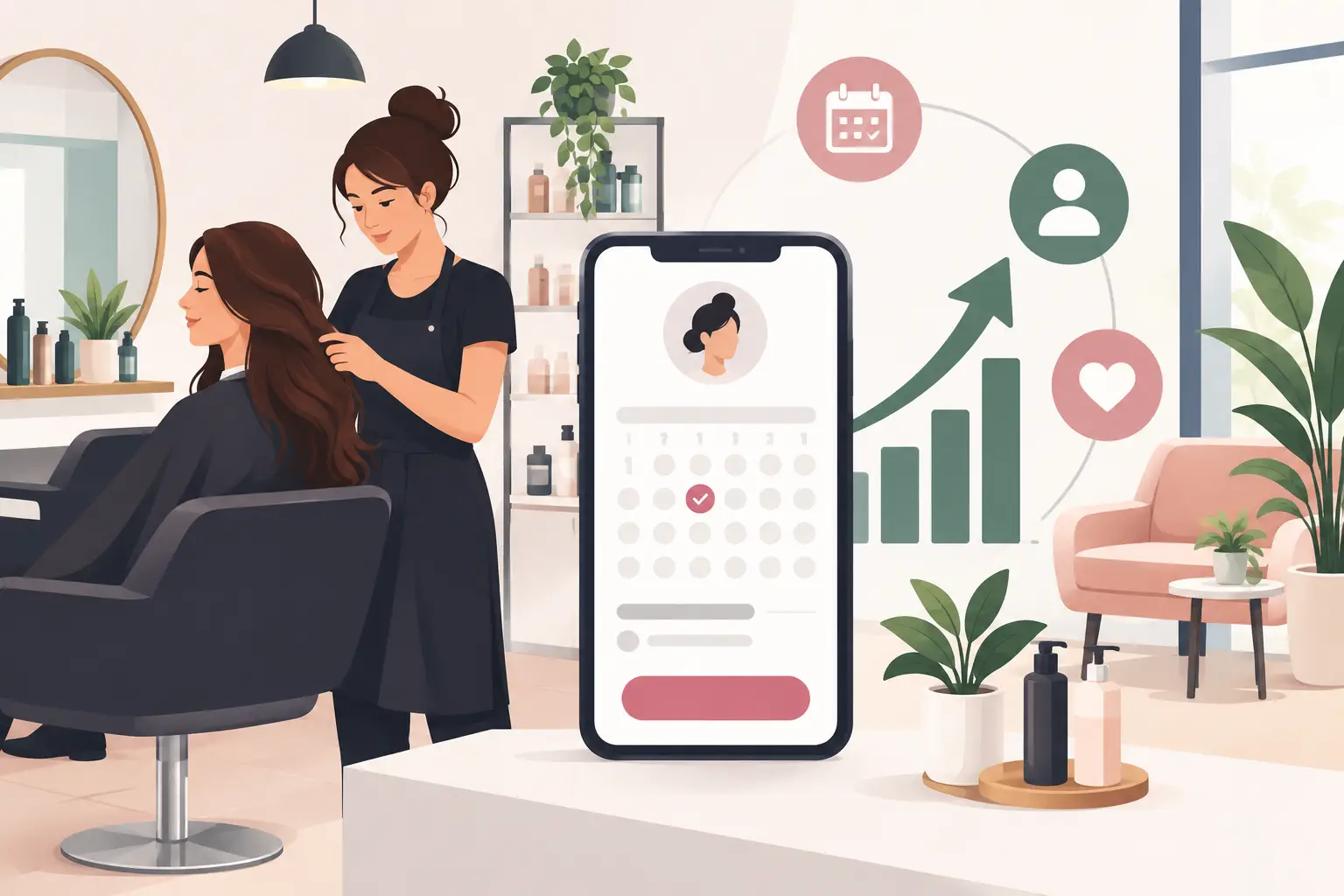
A client lands on your booking page at 9:30 p.m., finds the service they want, and leaves before choosing a time. That is not just a missed online form submission. It is lost service revenue, unused staff capacity, and potentially a client who books with a competitor instead. This booking conversion optimization guide focuses on the practical changes that help appointment-based businesses turn more booking-page visits into confirmed appointments.
For salons, spas, clinics, and wellness businesses, conversion is rarely improved by one dramatic redesign. It usually comes from removing small points of uncertainty: unclear service names, unavailable preferred staff, unexpected deposits, too many steps, or no convenient appointment times. The goal is simple: make the right appointment easy to understand, easy to select, and easy to complete.
Start With the Booking Journey, Not the Booking Page
A booking page does not operate alone. Clients arrive with different levels of intent. A returning client may know exactly which provider and service they need. A first-time visitor may be comparing options, checking prices, or trying to understand how long a treatment takes.
Treat these as different journeys. Returning clients need speed. New clients need confidence. If both groups must work through the same vague service menu and several unnecessary screens, the experience creates friction for everyone.
Map the journey from the moment a client sees your business online to the moment they receive a confirmation. Look closely at how clients reach the booking page, what information they see first, how they choose a service and staff member, and where payment or deposit requirements appear. Then review what happens after the booking: confirmation, reminders, intake forms, and follow-up all influence whether that first appointment becomes a lasting client relationship.
Measure the right conversion points
A booking rate alone is useful, but it can hide the cause of a problem. Track the steps leading to a completed appointment: booking page visits, service selections, time-slot selections, checkout starts, and confirmed bookings.
If many clients view services but do not select one, your menu may be unclear. If they choose a service but abandon before checkout, deposits, account creation, or payment details may be the barrier. If they search for times but find none that work, the issue is capacity or schedule design rather than page copy.
Centralized analytics make this review easier because booking activity, staff schedules, payments, and client records sit in the same operational view. That gives managers a clearer answer than guessing why online demand is not becoming booked revenue.
Make Service Choices Clear and Specific
Service menus often lose bookings because they reflect internal terminology instead of how clients make decisions. A client may understand “haircut,” “root touch-up,” or “60-minute massage” immediately. They may hesitate at broad labels, overlapping options, or names that require industry knowledge.
Use service names that describe the outcome or format clearly. Add short descriptions when a client needs help choosing, especially for new-client services, advanced treatments, packages, or services with pricing that varies. Include the expected duration and starting price where appropriate. Those details set expectations before the client commits to a time slot.
Avoid creating a long menu simply because your team can perform many variations. Too many nearly identical options can slow decisions. Group services logically, and consider a consultation or “not sure what to book?” option when the right service depends on the client’s needs.
This is a trade-off. Detailed menus support informed decisions, while concise menus create speed. The right balance depends on your business. A med spa offering treatments with different suitability requirements needs more guidance than a barbershop booking standard cuts.
Reduce Friction at Checkout
Once a client selects a time, every extra field becomes a reason to postpone. Ask only for information needed to reserve, prepare for, and manage the appointment. Name, contact information, and relevant client details are usually enough at the initial booking stage.
Do not require clients to call for information that should be visible online, such as appointment length, deposit policy, cancellation terms, or whether a service can be booked with a preferred team member. Put those policies near the decision point in direct language. Surprises at checkout can protect your policies, but they rarely protect conversion.
Payment requirements deserve particular attention. Deposits can reduce no-shows and protect high-value appointment time. But a deposit that appears without context can cause abandonment. Explain what the deposit covers, whether it is applied to the service total, and the cancellation window. Clear payment handling is part of a professional booking experience, not an afterthought.
Mobile performance matters here as well. Many clients book between errands, after work, or while scrolling on a phone. Review the entire process on a mobile device. Buttons should be easy to tap, text should be readable, and the path from service selection to confirmation should feel short and predictable.
Give Clients Useful Choice Without Overloading Them
Clients value control, particularly when choosing a staff member and appointment time. Let them select a preferred provider when that relationship matters, but do not make staff selection mandatory if the client simply wants the first available appointment.
Offer practical filters such as service category, staff member, and available date. Keep the scheduling display focused on usable choices. Showing every possible variation of every calendar may seem transparent, but it can make the process feel harder than it is.
Availability also shapes conversion. If peak-time clients routinely find no appointments, review the underlying schedule. You may need to adjust staff hours, reserve capacity for high-demand services, shorten unnecessary gaps between appointments, or promote quieter time slots with targeted campaigns. Better conversion is not always about persuading more visitors. Sometimes it is about making bookable inventory available when demand arrives.
Build Trust Before the Client Books
First-time clients are deciding more than whether a time slot works. They are deciding whether your business feels credible, organized, and right for them. A branded booking page helps maintain that confidence by making the booking experience feel like part of your business, not a handoff to an unfamiliar system.
Use recognizable business details, accurate service information, and consistent policies. If you serve multiple locations, make location selection obvious. If a treatment requires preparation, include concise instructions before booking rather than after a client has already committed.
Client reviews, before-and-after images, and provider profiles can support confidence when they are relevant to the service decision. Do not overload the booking flow with promotional content, though. The booking page has one job: help the client make a confident appointment choice. Save broader storytelling for the channels that bring people there.
Use Follow-Up to Recover Interested Clients
Not every incomplete booking is a lost client. Some people get interrupted, need to check their calendar, or want to compare availability. A thoughtful recovery process can bring them back without becoming intrusive.
Use your CRM activity to identify clients who have not returned on their expected cadence, clients who canceled without rebooking, and clients who previously booked a service that is due again. Then send campaigns that match the situation. A color client may need a maintenance reminder. A massage client may respond to weekday availability. A first-time visitor who never completed a booking may need a simple invitation to choose a time.
Timing matters more than volume. A generic message sent too often can train clients to ignore your marketing. A relevant reminder sent when a client is likely ready to book can improve retention and fill open capacity at the same time.
Run a Practical Booking Conversion Optimization Routine
Optimization works best as an operating habit, not a one-time project. Review booking performance regularly, then change one meaningful variable at a time. For example, clarify two confusing service names, simplify a deposit explanation, or adjust how first-available appointments are displayed. Give the change enough time to produce useful data before deciding whether it worked.
Keep front-desk staff involved. They hear the questions clients ask before booking and the reasons clients give for calling instead of scheduling online. Those conversations reveal friction that analytics alone may not show.
With a platform such as CleverBooking, operators can connect the branded booking page to client records, staff availability, payments, campaigns, and reporting in one dashboard. That connection matters because a conversion improvement is more valuable when it also supports cleaner client data, fewer manual follow-ups, and better use of team capacity.
The best booking experience feels almost invisible to the client: they find the service, see a suitable time, understand the terms, and receive confirmation without needing help. Keep testing the places where that path slows down, and your booking page can become one of the most dependable parts of your daily revenue operation.