
Paper Intake Versus Digital Forms: What Wins?
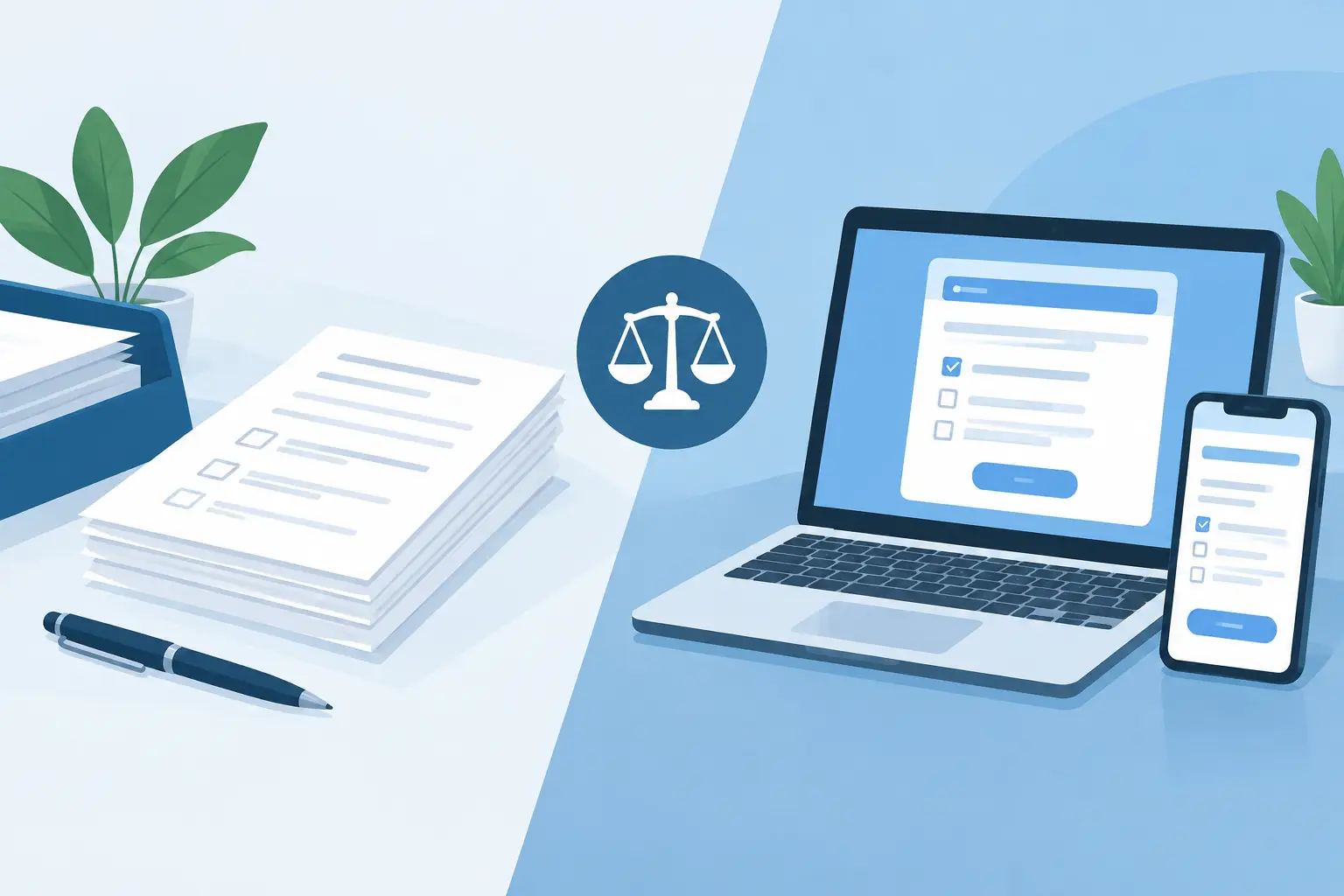
A new client arrives three minutes before their appointment, reaches for a clipboard, and starts filling out paperwork while the front desk checks them in. That familiar scene is where paper intake versus digital forms becomes a real operating decision, not just a technology preference. The choice affects appointment flow, client records, staff workload, follow-up, and the quality of information your team can use after the service ends.
For salons, spas, wellness businesses, and clinics, paper can still have a role. But it rarely supports the level of control needed when bookings, payments, staff schedules, client history, and marketing all need to work together.
Paper Intake Versus Digital Forms: The Operational Difference
Paper intake is straightforward: print a form, hand it to the client, collect it, and file it. It requires little setup and works even when a client has limited comfort with technology. For a solo operator with a small client base and simple service requirements, that familiarity can be useful.
The limitation appears after the form is completed. Someone must read the handwriting, locate the right client record, enter relevant details, store the document, and retrieve it later when needed. If a client updates their address, notes a new allergy, changes a treatment preference, or signs a revised policy, the team may be working across multiple versions of the same information.
Digital forms move those steps earlier in the client journey. A client can complete intake while booking or before arriving. Their answers can become part of a centralized record, giving the service provider relevant context before the appointment begins. The front desk spends less time managing paper and more time confirming arrival, answering questions, and keeping the day on schedule.
That does not mean every form should be digital by default. A business serving clients who may need accessibility support, language assistance, or help completing a detailed health questionnaire should always have a clear staff-assisted process. The best workflow protects the client experience first, then reduces administrative effort around it.
Where Paper Creates Friction in a Busy Schedule
Paper's biggest cost is not the price of a clipboard or printer cartridge. It is the accumulation of small tasks that interrupt the day.
A handwritten form can delay a provider who needs to review a contraindication or service preference before starting. A misplaced page can force staff to ask the same questions again. A filing cabinet might hold years of valuable client history, but that history is difficult to use when a receptionist is handling a call, a checkout, and two arrivals at once.
Paper also makes consistency harder across a team. One staff member may remember to ask clients to update their information every visit. Another may only provide the form to first-time customers. A manager may want to know which clients expressed interest in a retail product, membership, or follow-up service, but the information is scattered across notes and documents.
These gaps affect more than administration. They can make a business feel less organized to clients. Repeating information, waiting for forms to be reviewed, or receiving generic follow-up after a highly personalized service can weaken the experience your brand has worked to create.
What Digital Forms Improve
Digital intake forms give businesses a structured way to collect information before it becomes urgent. Rather than asking every question at the front desk, you can request the right details at the right point in the booking process.
For example, a spa may collect treatment preferences and relevant health information before a first appointment. A salon may capture color history, hair goals, and product sensitivities. A wellness provider may need service-specific consent, emergency contact information, or a client acknowledgment of policies. The form should reflect the service, not simply duplicate a generic sheet of questions.
When forms connect to client records, staff can review answers in context. A provider sees prior notes and preferences. The front desk can confirm that required fields are complete. Management can establish a repeatable process rather than relying on individual memory.
Digital forms also support cleaner follow-up. If clients opt into communications and their preferences are stored accurately, campaigns can be more relevant. Instead of sending the same promotion to everyone, a business can build more thoughtful outreach based on visit history, service interests, and timing. That is a better use of marketing effort than manually sorting paper records after a busy week.
Faster check-ins are only part of the return
The immediate benefit of digital intake is often a calmer arrival process. Clients complete information from their phone or computer, and staff have fewer forms to chase. But the longer-term value comes from usable data.
Client information can help your team deliver continuity. When a regular client returns after several months, their prior service details and preferences should not depend on whether the same employee happens to remember them. When staff changes occur, a centralized record protects the relationship between the client and the business.
The same principle applies to reporting. Paper can tell you that a client filled out a form. A connected system can help you understand service demand, client retention patterns, booking behavior, and opportunities for rebooking. The form itself is a small part of a larger operational workflow.
Digital Forms Need Thoughtful Setup
Switching from paper does not automatically improve the client experience. A poorly designed digital form can be just as frustrating as a long clipboard questionnaire.
Ask only for information that helps you provide the service, meet your documented requirements, or manage the client relationship. If every client must complete a lengthy form for a quick, routine appointment, completion rates may fall and staff will still need to intervene at check-in. Match the questions to the service and reserve more detailed intake for cases where it is justified.
Mobile design matters as well. Most clients will receive a form on their phone, often between work, errands, or school pickup. Use clear labels, short sections, and required fields only where they are truly necessary. Avoid asking clients to create another account or complete redundant information if it is already available in their booking profile.
Privacy is another operational responsibility. Businesses collecting personal, health-related, or payment-adjacent information should define who needs access, how records are stored, and how staff handle requests for updates. Digital tools can improve record control, but only when permissions and processes are managed carefully. If your business is subject to specific regulatory or professional requirements, confirm that your workflow meets those obligations.
Choosing the Right Intake Workflow
The practical question is not whether paper is obsolete. It is whether paper gives your team the information it needs when it needs it.
Paper may be reasonable as a backup during an internet outage, for walk-ins who need assistance, or as an accessible alternative for clients who cannot comfortably complete a form online. In those situations, establish a simple process for adding the information to the client record promptly, rather than leaving it in a separate pile to handle later.
Digital forms are usually the stronger primary workflow when your business has recurring clients, multiple staff members, service-specific requirements, or a high volume of appointments. They are especially valuable when your front desk is already managing calls, reschedules, payments, reminders, and client questions throughout the day.
A platform such as CleverBooking can make intake part of the same operating system used for online booking, client records, appointments, payments, campaigns, and reporting. That connection is what turns a completed form into useful business information instead of another document to store.
Start with the highest-friction form
You do not need to convert every document at once. Begin with the form that most often slows down check-in, creates incomplete records, or requires staff to re-enter information. For many businesses, that is new-client intake, consultation details, consent, or policy acknowledgment.
Run the workflow with your team before sharing it broadly. Check whether the form is easy to complete on a phone, whether the right staff can find the answers before the appointment, and whether the information appears in the correct client record. Then watch where clients hesitate and where staff still need to ask follow-up questions.
A good intake process should feel almost invisible to the client. They book, provide the details that matter, arrive prepared, and receive a service that feels informed from the start. Behind the scenes, your team has cleaner records, fewer handoffs, and more capacity to focus on the work that brings clients back.