
Why Clients Abandon Bookings Before Checkout
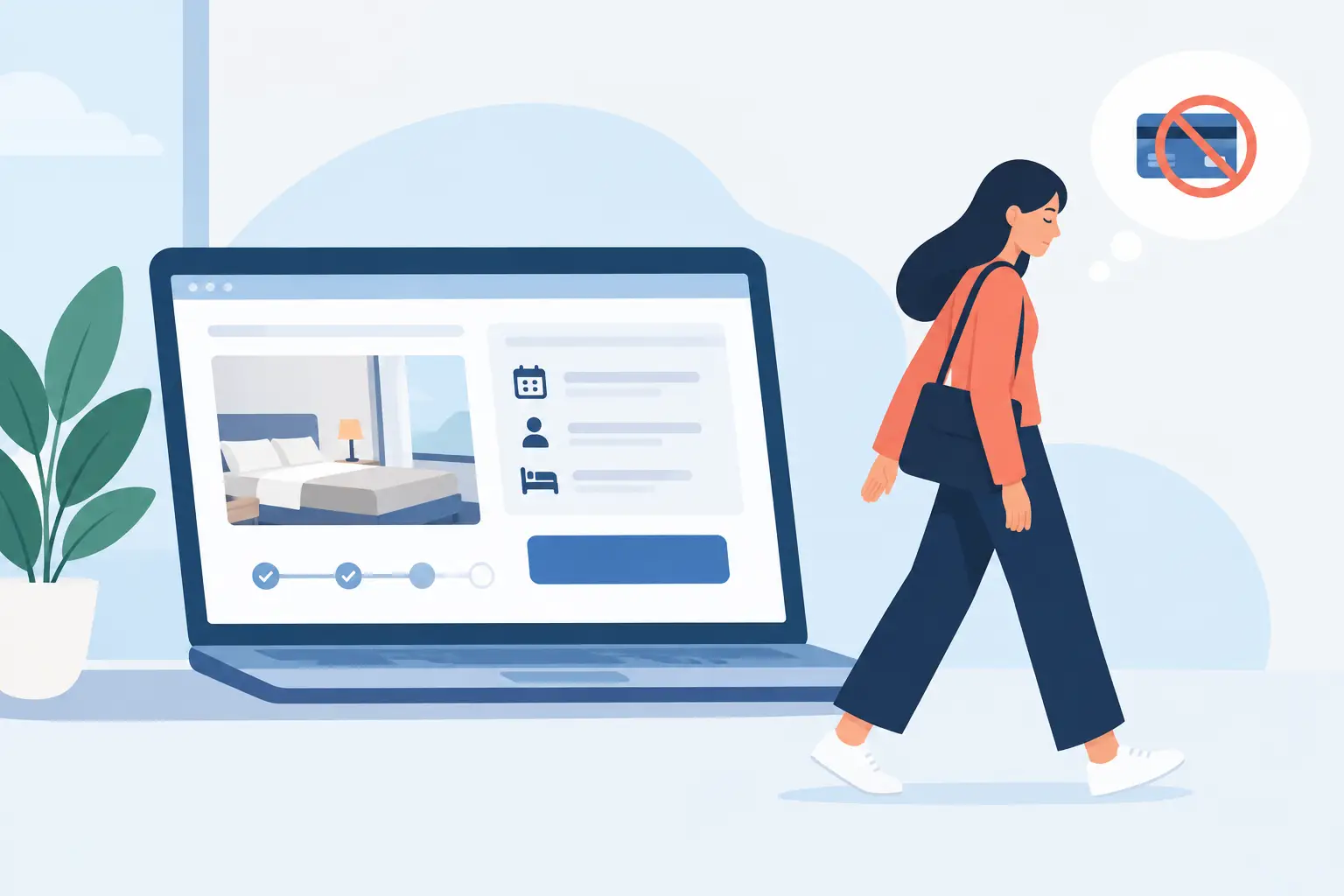
A client finds your salon, clinic, spa, or studio, chooses a service, checks the available times, and then disappears before confirming. That moment is more than a minor website issue. Understanding why clients abandon bookings helps you protect revenue that was already within reach - without immediately spending more on advertising.
Booking abandonment is rarely caused by one dramatic problem. More often, it is the result of small points of friction: unclear pricing, too many form fields, limited availability, surprise policies, or a booking page that does not feel like the business the client expected. The good news is that these issues are measurable and fixable when appointments, client data, payments, and follow-up activity are managed from one place.
Why Clients Abandon Bookings at the Last Step
A booking page has one job: make the next step feel obvious and safe. When clients hesitate, they are usually missing information, confidence, convenience, or all three.
They cannot quickly find the right service
Service menus often make perfect sense to the people who work in the business and very little sense to a first-time client. A client may know they want help with skin concerns, pain relief, a haircut, or a manicure, but not know which service name applies. If they must open several descriptions, compare durations, or leave the page to research the difference, momentum drops.
Use client-friendly service names and short descriptions that answer practical questions: What is included? Who is it for? How long does it take? What does it cost? For services with similar names, add guidance such as “best for first-time guests” or “choose this if you need a consultation first.”
There is a trade-off here. Detailed descriptions can reduce uncertainty, but a page packed with dense text can become harder to scan. Give clients enough information to choose, then keep the path to the calendar clear.
The price or payment requirement appears too late
Clients dislike surprises more than they dislike clear policies. A booking flow that shows a service price only after a time is selected can feel evasive. The same applies to deposits, card-on-file requirements, cancellation fees, and taxes that appear at the final screen.
Be direct before the client invests time in the process. Show the starting price or price range where appropriate, state whether a deposit is required, and explain the cancellation window in plain language. If pricing depends on consultation, say that early instead of allowing the client to assume the appointment has a fixed price.
A deposit can protect your schedule and reduce no-shows, especially for high-value or long appointments. But it may also reduce conversion for low-commitment, first-time services. The right policy depends on your margins, demand, staff capacity, and no-show history. The key is consistency: the booking page, confirmation message, and front desk should all communicate the same terms.
Available times do not match real client demand
Sometimes abandonment is not a page problem at all. It is a capacity problem. If most clients browse after work but only see mid-afternoon availability, they may intend to return later and never do. If a popular staff member has no openings for weeks, the client may book elsewhere rather than choose an unfamiliar option.
Review availability by day, time, service, and staff member. Look for repeated searches that do not become confirmed appointments. This can reveal whether you need to open selected evening slots, adjust staff schedules, add a waitlist, or promote capable team members with more availability.
Do not solve every gap by expanding hours. Extended hours add payroll and operational complexity. In some cases, a better answer is to offer a clear next-best option: another qualified provider, a shorter related service, or the first available opening with an option to join the cancellation list.
The booking process asks for too much too soon
Every required field is a decision point. A new client may be comfortable sharing a name, phone number, and email to reserve a time. They may not be ready to complete a long intake form, provide extensive notes, or create a password before they know whether the appointment works for them.
Collect what is necessary to secure and prepare for the appointment, then gather additional information at the right stage. For a clinic or specialized wellness provider, certain intake details may be essential before service delivery. For a standard salon appointment, they may be better handled in a confirmation message or client portal after the booking is complete.
Mobile matters here. Many booking journeys start on a phone between errands, meetings, or school pickup. Small fields, slow-loading calendars, unclear buttons, and lengthy forms feel much more demanding on a mobile screen than on a desktop.
Build a Booking Experience That Removes Friction
Reducing abandonment is not about pressuring clients to finish. It is about helping them make a confident decision with less effort.
Start by walking through your own booking page as a new client would. Use a phone, not just the office computer. Try booking a popular service, a service with a deposit, and an appointment with a preferred staff member. Note every place where you have to stop and think: what a service means, whether a policy applies, which button to select, or why personal information is needed.
Then organize the flow around a natural sequence: select a service, choose a provider if relevant, select a time, enter only required details, review the price and policies, and confirm. The sequence may vary for a medical or consultation-led business, but it should never make clients wonder what happens next.
A branded booking page also matters. Clients judge trust quickly. If the booking experience looks disconnected from your business, uses inconsistent colors or language, or sends them through several unrelated tools, they may question whether the reservation is legitimate. A consistent branded experience signals that the business is organized and accountable.
Confirmation should be immediate and specific. Tell the client what they booked, when and where to arrive, what they paid or owe, and what to do if they need to reschedule. Vague confirmations create avoidable inbound calls and can turn a confirmed booking into a missed appointment.
Use Booking Data to Find the Actual Problem
Guessing is expensive. A manager may assume price is the issue when the real problem is that the booking page performs poorly on mobile. Another business may redesign its calendar when clients are actually leaving because their preferred evening times are unavailable.
Track the booking journey in practical stages: booking-page visits, service selections, time selections, client-detail entries, payment attempts, and confirmed appointments. Compare these stages by device, service category, location, staff member, and time of day. A major drop after service selection points to a different issue than a drop at payment.
Client records and CRM activity add useful context. Are first-time clients abandoning more often than returning clients? Do clients who arrive from a particular campaign fail to complete? Are certain services frequently started but rarely booked? These patterns turn vague feedback into operational decisions.
For example, if a high number of clients choose a service but leave when they see the deposit, test a clearer explanation before the calendar rather than removing the policy immediately. If searches for a provider do not convert, review that provider’s availability and service setup. If abandoned bookings rise after a page update, revert or adjust the specific change instead of redesigning everything.
Follow Up Without Chasing People
Not every incomplete booking deserves a message. A client may have been comparing schedules, lost reception, or decided the timing was wrong. Aggressive follow-up can feel intrusive, particularly for health, wellness, or personal-care services.
But a thoughtful reminder can recover genuine intent when your system captures the right information and your communications follow applicable consent requirements. Keep it useful: mention that appointments are available, invite the client to return to the booking page, or offer help choosing the right service. Avoid language that implies surveillance or pressure.
Existing clients are often easier to rebook than new clients are to acquire. Automated reminders for recurring services, lapsed-client campaigns, and personalized follow-ups based on appointment history can reduce the number of people who need to start their search from scratch. With CleverBooking, booking activity, client records, campaigns, payments, and performance data can stay connected in one operating dashboard, making those follow-ups more informed and easier to manage.
Treat Abandonment as Operational Feedback
A client who leaves your booking page has given you a useful signal, even if they did not leave a comment. They may be telling you that a service is unclear, a policy is poorly timed, an appointment slot is unavailable, or the process asks for more commitment than they are ready to give.
Review that signal regularly with the same discipline you apply to no-shows, staff utilization, and revenue reporting. Small improvements to clarity, availability, and booking flow can compound quickly because they convert demand you have already earned. The most effective booking experience is not the one with the most features. It is the one that makes choosing your business feel simple, professional, and worth completing.