
Features
Deposits and prepayment
Deposits in CleverBooking are a fixed amount or a full prepayment you require per service, paid through Stripe at the moment of booking; the slot is held once the payment succeeds and the client accepts your cancellation policy.
How it works
- Connect your Stripe account from the settings; payouts go to your own Stripe balance.
- Per service, choose nothing, a fixed deposit (for example €40 on a €140 balayage) or full prepayment.
- At checkout the client pays with a card or a local method Stripe offers in your country, and ticks your cancellation policy. The slot is held once the payment succeeds.
- The payment status sits on the appointment. Refund in one click when you decide to; the rest is paid at the counter as usual.
Limits and plan availability
- Online payments and deposits are a Premium feature.
- Your client always pays your listed price; CleverBooking deducts a 4% payment fee from your payout on online-paid bookings only. A €50 service paid online pays out €48.
- Appointments paid at the counter carry no fee.
- CleverBooking does not keep a card on file: the deposit or prepayment is charged at booking and nothing is charged later without a new checkout.
- Refunds reverse the payment through Stripe and stay visible on the appointment card.
Questions, answered
What does taking deposits cost?
Nothing on top of the Premium plan, except the 4% payment fee deducted from your payout on bookings paid online. Your client pays your listed price.
Can I refund a deposit?
Yes, in one click from the appointment. The refund goes back to the client's original payment method and the status stays on the appointment card.
Which payment methods do clients get?
Cards and the local methods Stripe offers in your country, such as Bancontact in Belgium or iDEAL in the Netherlands.
Made for your trade
See how this works for your kind of business.
Booking software for salons
Clients book on your page. Reminders go out on WhatsApp 24 h and 2 h before. A deposit holds the slots that need one.
Booking software for barbers
Clients book from your Instagram in three taps. Reminders go out on WhatsApp 24 h and 2 h before. A deposit holds the slots that no-show.
Booking software for nail studios
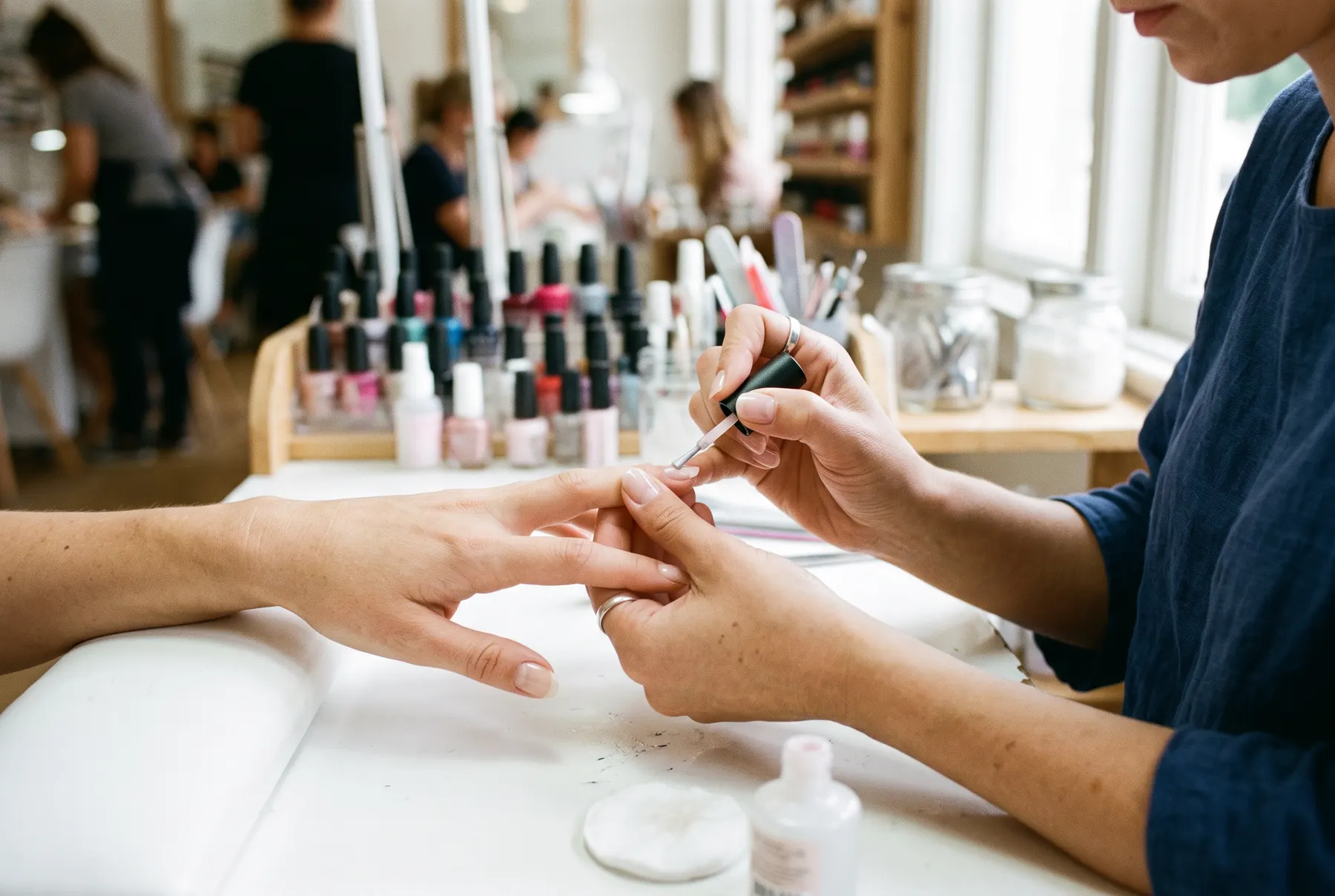
Gel, acrylic and removal with their real durations, so nothing overlaps. Reminders on WhatsApp 24 h and 2 h before. A deposit on the long ones.
Guides
Three reads from the blog on this topic.
Learn more
The product, explained one page at a time.
The online booking page
Your own page where clients pick a service, a person and a free time, and book themselves around the clock.
WhatsApp reminders
A confirmation when they book, then reminders 24 h and 2 h before, from a verified number, with a link to cancel or move.
Frequently asked questions
Thirty short answers on getting started, the booking page, reminders, payments, data and plans.
Try it free for 14 days
No card, no contract. Create your workspace, add your services, staff and hours, and share your booking link the same day.
Start free trial14 days free · no card